Electronics · 7 min read · 22/09/2026
Buying a TV: OLED, QLED or Mini-LED, and what size for your viewing distance
Panel technology, HDMI 2.1, HDR and seating distance: the points that make the difference, and the features you can safely ignore.
Ad: links to partner shops are affiliate links. If you buy through them we receive a commission; your price stays the same. Prices are snapshots; the price in the shop is binding.
When buying a TV, three technologies compete, multiple sizes exist, and a flood of marketing terms confuse the picture. Four questions bring order: How large, which panel technology, which connections, which operating system.
Size: Think from your seating distance
For 4K content, the rule of thumb is: seating distance divided by 1.5 gives the sensible screen diagonal. At 2.4 meters distance, that's around 160 cm, or 65 inches. At 2.1 meters, 55 inches fit, at 3 meters 75 inches. Most people buy too small. The wow effect of a larger picture is much more noticeable in everyday use than the difference between two panel technologies.
Panel technologies compared
OLED: Each pixel emits its own light. Perfect black, infinite contrast, very wide viewing angles, ideal for movies in a darkened room. Drawbacks: lower brightness than Mini-LED in bright living rooms, higher price, slight burn-in risk with static logos for hours on end.
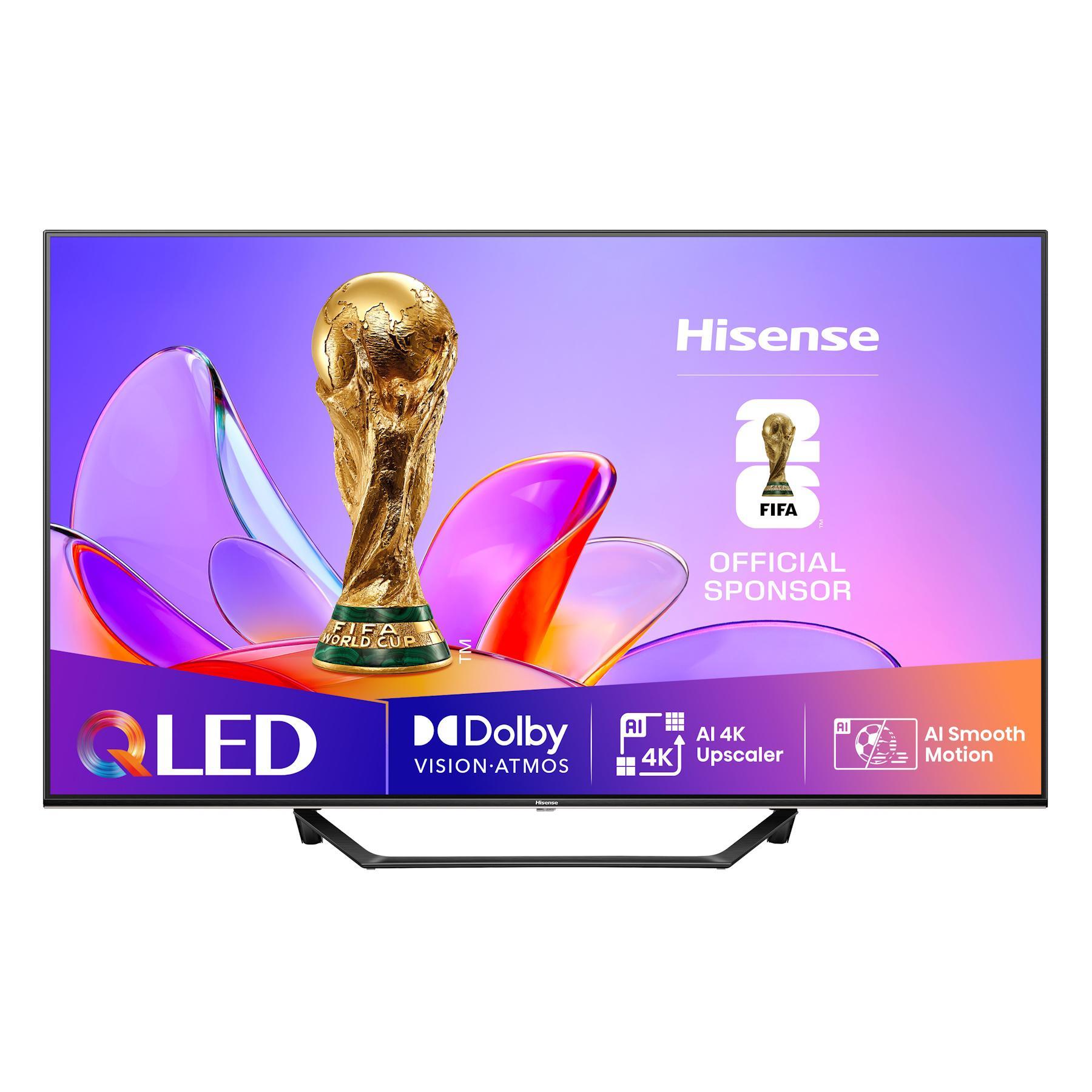
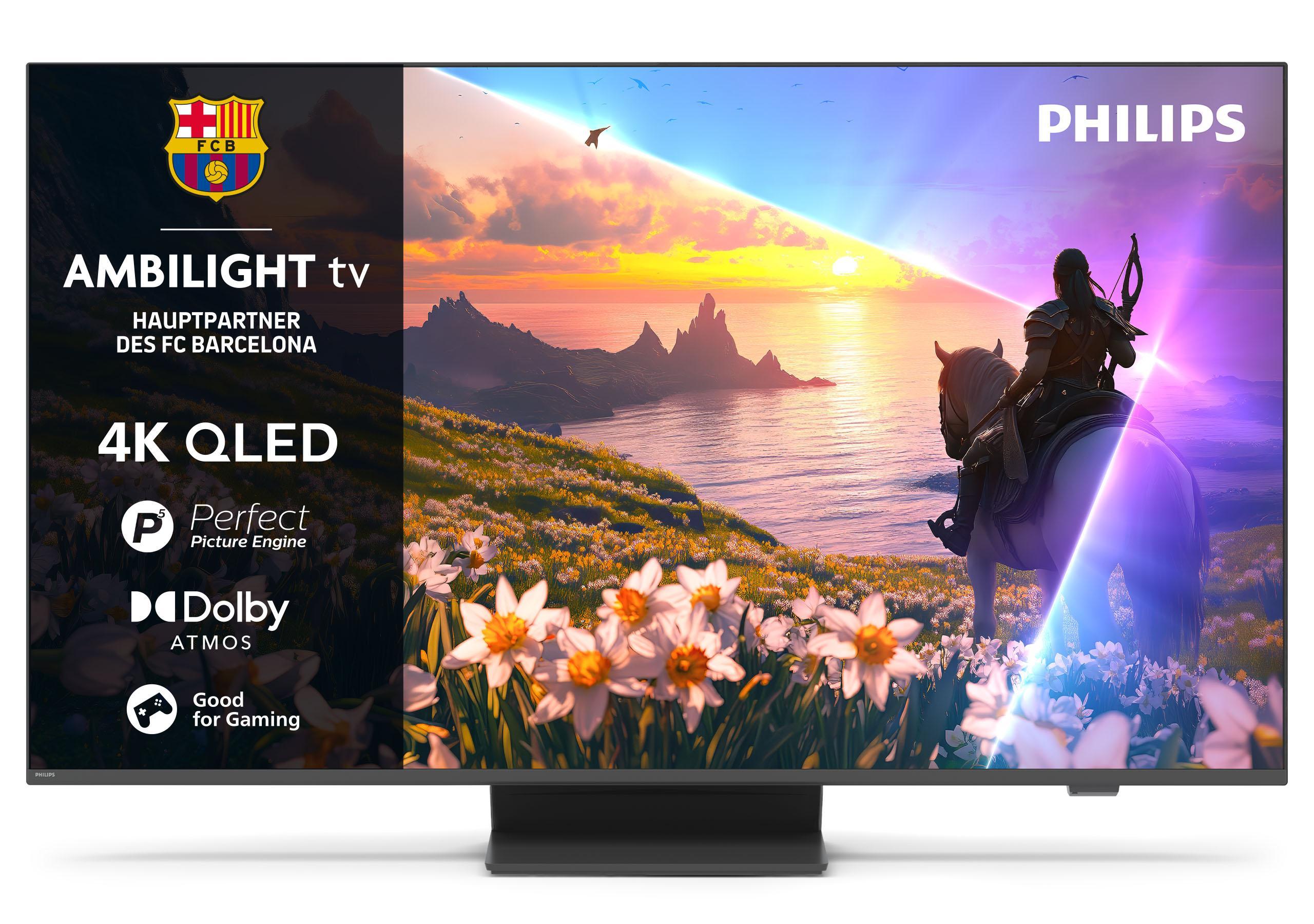
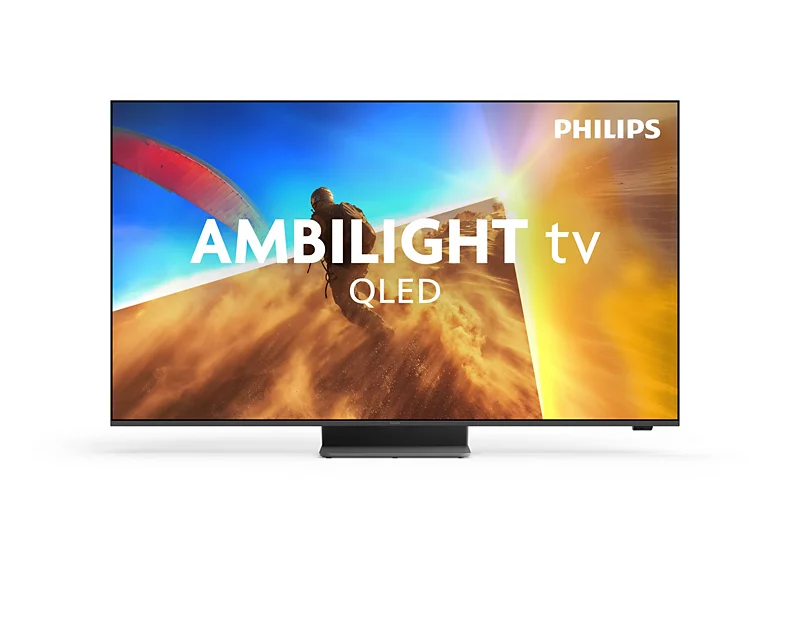
QLED: An LCD with a quantum dot layer for richer colors, backlit by LEDs. Bright and affordable, but black turns to gray because the backlight never fully switches off. With local dimming in just a few zones, contrast remains limited.
Mini-LED: An LCD, usually with quantum dots, with thousands of tiny LEDs and hundreds of dimming zones. Very bright, good contrast, no burn-in. The choice for bright rooms, sports in daylight, and HDR peaks. In very high-contrast scenes, slight halo effects can occur.
HDR and brightness
HDR shows lights and shadows simultaneously. For it to work, the TV needs brightness reserves (from around 600 nits upwards is sensible, Mini-LED and top OLED are well above that) and good zone control. The formats Dolby Vision and HDR10+ control the picture scene by scene; which is more important depends on your streaming services. "HDR-capable" on budget models usually just means the signal is accepted.
Connections: HDMI 2.1 for consoles
If you're connecting a current console or gaming PC, you need at least two HDMI 2.1 inputs with 4K at 120 Hz, VRR (variable refresh rate), and ALLM (automatic game mode). One input is occupied by a soundbar via eARC. Budget TVs often have only one or no HDMI 2.1 port at all. For streaming and traditional TV, HDMI 2.0 is sufficient.
Operating system and tuner
The major systems (Google TV, Tizen, webOS, Fire TV) all offer the important apps. Differences lie in advertising on the home screen and speed. For antenna, cable, and satellite, a triple tuner with DVB-T2 HD, DVB-C, and DVB-S2 should be built in, otherwise you need a receiver. A CI+ slot saves you an extra device for private broadcasters in HD.
Sound
Flat housings have weak speakers. For dialog clarity and movie nights, a soundbar is almost always a better investment than the next size up in the TV range.
What to watch for in offers
- The model number reveals the series: major manufacturers sell very different picture classes under similar names.
- Last year's models become significantly cheaper from spring onwards when the new generation arrives, with almost the same picture quality.
- Check the wall mount, stand width, and weight before buying. Some 65-inchers don't fit on a standard low cabinet.