Electronics · 7 min read · 25/09/2026
Buy Samsung monitors: Odyssey, ViewFinity and Smart Monitor compared
QD-OLED for gaming, 5K for the office or streaming without a PC: How Samsung's three monitor lines differ, which models are suitable for what, and where their weaknesses lie.
Ad: links to partner shops are affiliate links. If you buy through them we receive a commission; your price stays the same. Prices are snapshots; the price in the shop is binding.
Samsung divides its monitors into three lines. Within a line, however, the models differ significantly in panel, connectors and stand. This guide classifies Samsung's current models based on Samsung's datasheets and also mentions points that are missing from the advertising text.
Three lines, three purposes
- Odyssey is the gaming line: high refresh rates and FreeSync, with many models also G-Sync-compatible. Models with OLED panel run under the name Odyssey OLED.
- ViewFinity targets work: high resolution up to 5K, USB-C with charging function, often KVM switch and LAN port, three-year warranty on many models. In return, the 4K and 5K models usually only run at 60 Hz.
- Smart Monitor (M series) brings Tizen, the operating system of Samsung TVs: streaming apps, Samsung TV Plus, Gaming Hub for cloud gaming, remote control and speakers. There is no TV tuner.
Odyssey: from IPS entry-level to QD-OLED
- Entry-level: Odyssey G5 G50F, 27 inches, QHD, IPS, 180 Hz, height-adjustable with pivot. Weakness: only HDMI 2.0 and DisplayPort 1.2.
- For fast shooters: Odyssey G6 G60F with QHD IPS panel and 350 Hz.
- OLED entry-level: Odyssey OLED G6 G61SH, 27 inches, QHD, QD-OLED, 240 Hz, HDMI 2.1, height-adjustable stand. USB ports are completely missing. The Odyssey OLED G5 G50SF achieves 180 Hz, but only 144 Hz via HDMI, and its stand can only tilt.
- High-end: Odyssey OLED G8 G80SH with 27 or 32 inches, 4K and 240 Hz, plus DisplayPort 2.1 (UHBR20), twice HDMI 2.1 and USB-C with 98 W.
- Ultrawide: The Odyssey OLED G9 G95SD offers 49 inches in 32:9 format (5120 x 1440) with 240 Hz and built-in Tizen apps. With a stand, it's just under 1.20 meters wide. If you prefer LCD, the Odyssey G7 G75F in 40 inches offers a curved VA panel with 5120 x 2160 pixels and 180 Hz.
QD-OLED: strengths, weaknesses, burn-in protection
QD-OLED delivers perfect blacks and response times of 0.03 ms. The downsides are partly listed in the datasheet: the typical brightness of QD-OLED models is 200 to 250 cd/m², while the IPS models of the Odyssey line achieve 300 to 350. Specialist media such as TFTCentral also point out that black appears lightened on QD-OLED in bright rooms because a polarizing filter is missing. And because of the triangular subpixel arrangement, text edges show colored fringes. At 4K this is much less noticeable than at QHD, barely noticeable in games.
Samsung counters burn-in with "OLED Safeguard": static elements such as logos and taskbars are automatically dimmed, and after ten minutes without input, a screensaver dims the image. The G80SH adds "Safeguard+" as a cooling feature with pulsating heat pipes to better distribute heat. According to the datasheet, the two-year warranty for the G80SH and G50SF includes burn-in damage under proper use, commercial use is excluded. Check this point for the specific model. If you work eight hours a day on tables and emails, you'll be more relaxed with an LCD.
ViewFinity: sharpness and one cable to your notebook
- ViewFinity S6 S60UD: 27 inches, QHD, IPS, 100 Hz, USB-C with 90 W, KVM switch, LAN, Daisy Chain, height-adjustable with pivot and three-year warranty. The solid office all-rounder.
- ViewFinity S8 S80UH: 4K, USB-C with 90 W, KVM and LAN. Attention: The 27-inch version has an IPS panel, the 32-inch version has a VA panel. The same applies to the ViewFinity S7 S70H.
- ViewFinity S8 S80HF: 27 inches with 5K (5120 x 2880), IPS, USB-C with 90 W. With 200 percent scaling, the work area corresponds to QHD, just much sharper. This works particularly well with Macs.
- ViewFinity S9 S90PC: also 5K, plus Thunderbolt 4 with 90 W, anti-glare surface, a 4K camera and Tizen apps.
- ViewFinity S8 S85TH: 40 inches, curved, 5120 x 2160 pixels at 144 Hz and Thunderbolt 5 with up to 140 W.
Weaknesses of the line: 60 Hz is too slow for fast games, and the budget S7 S70H saves on USB-C and height adjustment.
Smart Monitor: TV software at your desk
- Smart Monitor M7 M70F (32 or 43 inches): 4K, VA, 60 Hz, speakers, WLAN, USB-C with 65 W. The stand can only tilt.
- Smart Monitor M8 M80F (32 inches): similarly equipped, plus height-adjustable stand with pivot and a detachable camera for video calls.
- Smart Monitor M9 M90SF (32 inches): QD-OLED, 4K, 165 Hz, USB-C with 90 W and DisplayPort.
Samsung promises up to seven years of Tizen updates for models from 2025 onwards. For apps and smart features, you need a Samsung account; without registration, only connected devices work. The M7 and M8 are not gaming monitors: 60 Hz, no FreeSync, no DisplayPort. For office work, streaming and occasional console gaming, that's sufficient.
Size, resolution and curvature
The DGUV recommends 50 to 80 centimeters viewing distance for screen work, for larger screens rather the upper end. At 27 inches, QHD yields around 109 pixels per inch, 4K around 163 and 5K around 218. The higher the value, the sharper the text, but the more the operating system has to scale. A 32-incher with 4K comes in at around 138.
Samsung builds the 16:9 models with 27 and 32 inches almost entirely flat. Curved designs are mainly the wide formats: the G95SD with 1800R, G75F and S85TH with 1000R. The smaller the number, the stronger the curve. With 21:9 and 32:9, it helps keep the edges in view. For graphic work with straight lines, flat is the better choice.
Connectors and ergonomics
- USB-C with charging function: 65 W on M7 and M8, 90 W on S60UD, S80UH, S80HF and M9, 98 W on G80SH, up to 140 W on S85TH. Many gaming models like G50F and G61SH have no USB-C at all.
- HDMI 2.1 you need for consoles with 4K and 120 Hz. According to Samsung, G80SH, G95SD and G75F have it, among others.
- DisplayPort 2.1 with UHBR20 on the G80SH transmits 4K at 240 Hz without compression, provided your graphics card supports it.
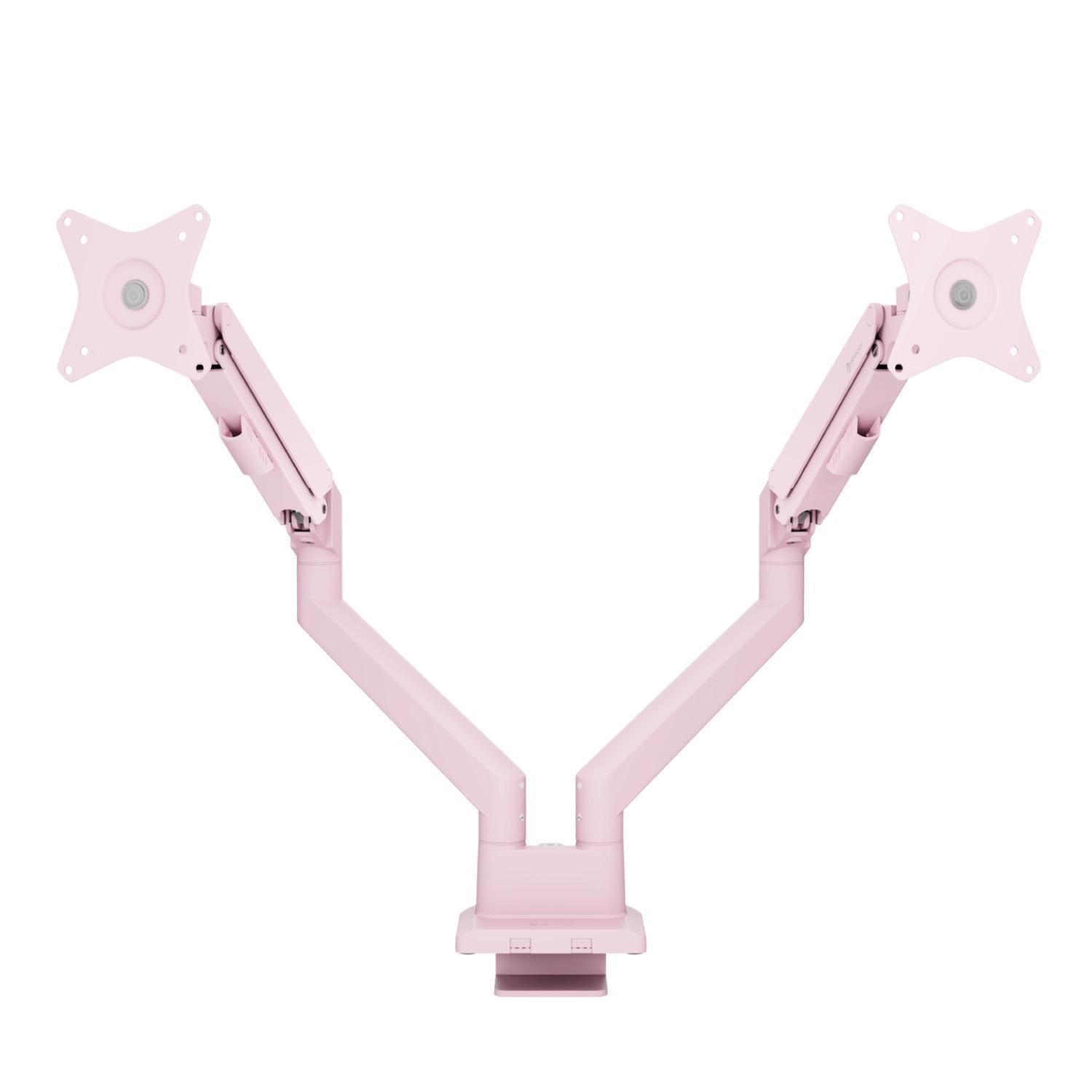
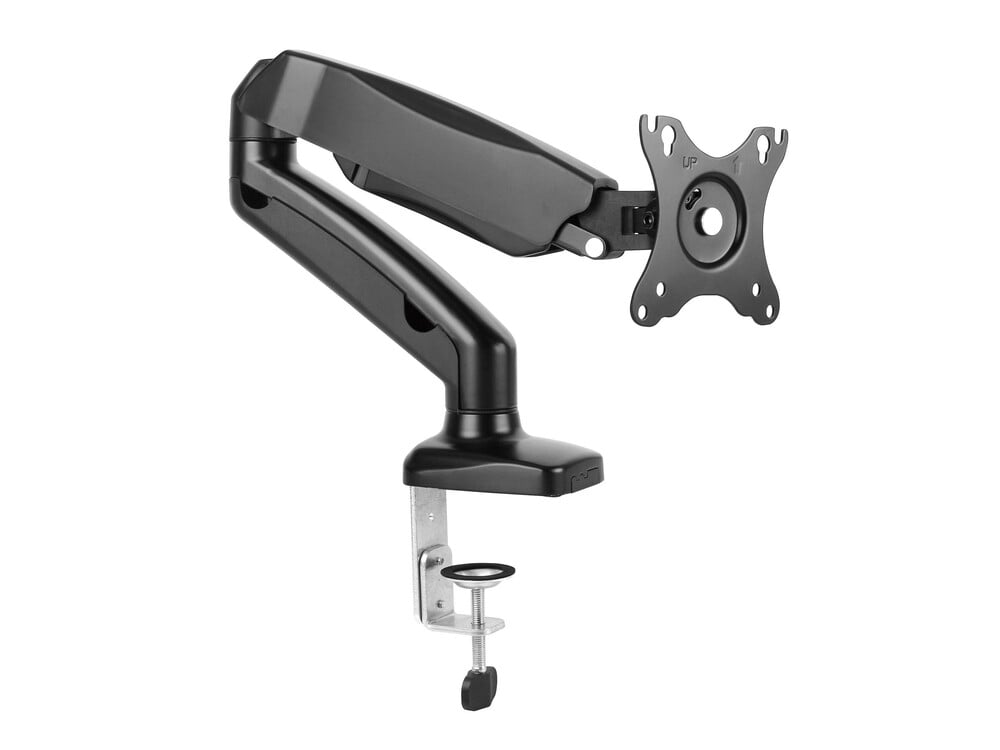
- Stand: G50SF, S70H and M7 can only tilt. All models mentioned here have a VESA mount for a monitor arm.
What to watch out for when checking offers
- Always check panel type for the specific size in the datasheet, not just for the series.
- Samsung presented the Odyssey models for 2027 at Gamescom 2026, but dates and prices for Germany were not yet set. If you're not in a hurry, watch to see if the predecessors become cheaper afterwards.
Find current monitor deals in our deals.