Electronics · 7 min read · 22/09/2026
Buying a Notebook: Processor, Memory, Display and What Matters for Office, Study and Gaming
14 or 16 inches, 8 or 16 GB, integrated or dedicated graphics: the criteria that make a difference in everyday use, and the pitfalls in cheap offers.
Ad: links to partner shops are affiliate links. If you buy through them we receive a commission; your price stays the same. Prices are snapshots; the price in the shop is binding.
A notebook will accompany you for four to six years. The right question is not "which is the fastest", but "which fits what I do with it every day". Four areas decide: processor, RAM, storage and display.
Processor: The class, not the number
With Intel and AMD, the model series tells you more than the clock frequency:
- Entry-level (Intel N-Series, Celeron, AMD Athlon): sufficient for browsing, Office and videos. With many open tabs or video conferences it gets sluggish. Only makes sense with at least 8 GB RAM and SSD.
- Mid-range (Core i5 / Core Ultra 5, Ryzen 5): the sweet spot for study, home office and light image editing.
- High-end (Core i7 / Core Ultra 7, Ryzen 7 and above): for video editing, development, many parallel programs.
Pay attention to the generation: a current mid-range chip is often faster and more efficient than a three-year-old high-end chip. The suffix reveals the class: U models are power-efficient, H models are powerful and louder.
RAM: 16 GB is the new minimum
8 GB today is only enough for simple tasks, and on many cheap devices the memory is soldered, so not upgradeable. 16 GB is the safe choice for the next few years, 32 GB only for video editing, virtual machines and large datasets. Check the datasheet to see if there is a free slot.
Storage: SSD is mandatory, 512 GB is comfortable
An SSD determines the perceived speed more than the processor. 256 GB quickly becomes tight with Windows, Office and a few programs. 512 GB is the comfortable size, 1 TB for photo and video collections. eMMC storage in very cheap devices is noticeably slower than an SSD and should be a deal-breaker.
Display: The part you see every day
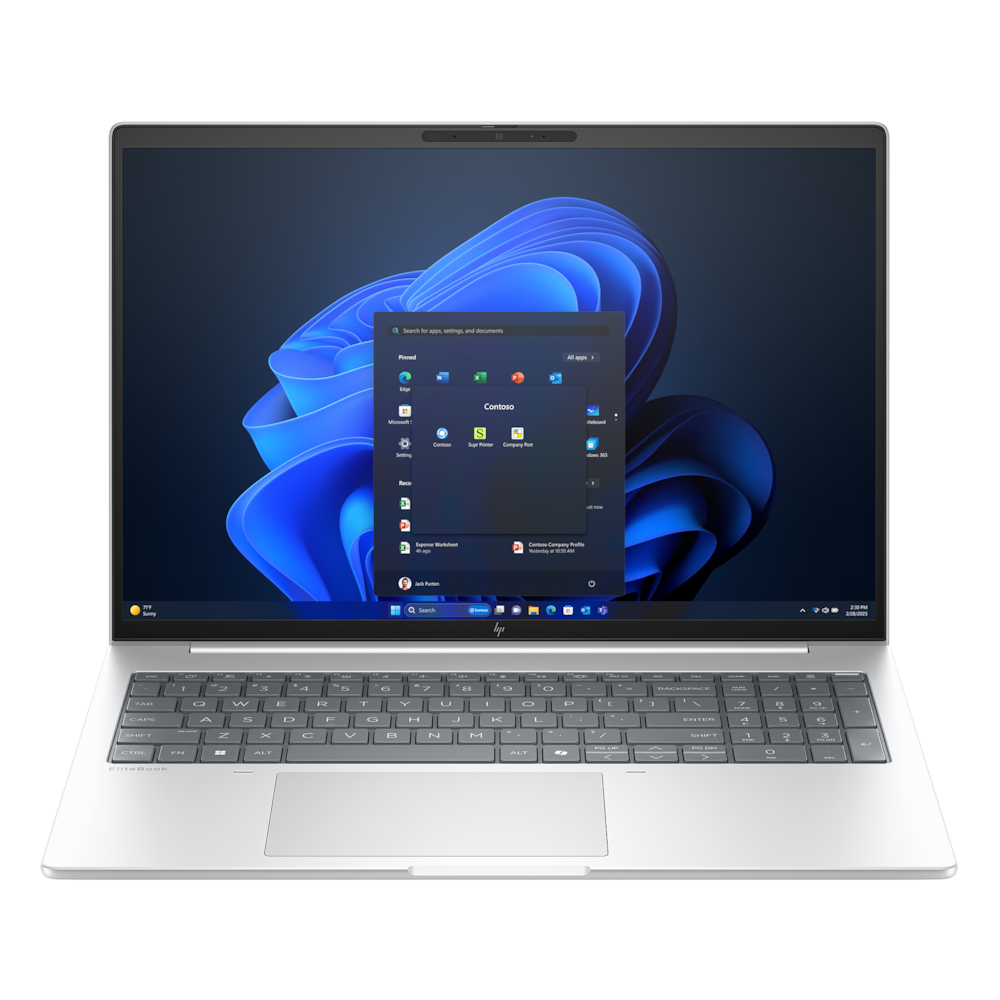
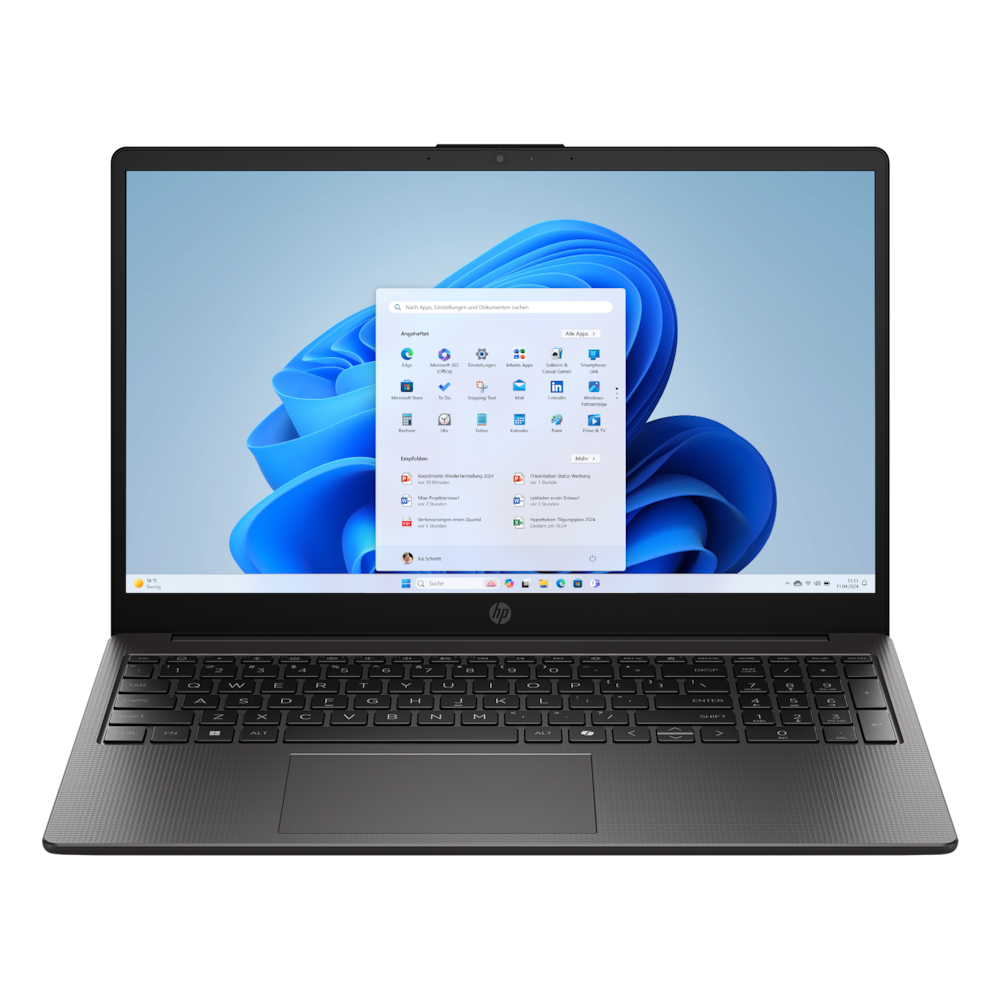
- Size: 13 to 14 inches for mobile use, 15 to 16 inches as a desk replacement. Two kilos feel different to carry every day than 1.3 kilos.
- Resolution: Full HD (1920 x 1080) or Full HD+ (1920 x 1200) is sufficient up to 15 inches. 16:10 instead of 16:9 gives more space for documents.
- Panel: IPS or OLED, not TN. Matte displays are more readable outdoors, glossy ones look more contrasty.
- Brightness: at least 300 nits, 400 and more for outdoors. Many cheap devices have 250 nits and are barely readable in daylight.
- Refresh rate: 60 Hz is normal, 120 Hz feels smoother, but is not a must.
Battery, ports, keyboard
Manufacturer specifications for battery life are lab values. Realistically, expect 60 to 70 percent of that. Models with power-efficient processors and large batteries (from 60 Wh) get through a working day. USB-C with charging function saves the power supply if you have a suitable monitor. HDMI and USB-A are practical if you don't want to carry adapters. A backlit keyboard and a large touchpad you'll notice every day.
Gaming notebooks
A dedicated graphics card makes the difference, and here the performance class and the allowed power consumption (TGP) count, not just the name. Thin cases throttle the same card more than thick ones. Expect loud fans and one to two hours of battery life while gaming.
What to watch for in offers
- With very cheap notebooks, check for: eMMC instead of SSD, 4 GB RAM, 250 nits, Windows in S mode.
- The same model names exist with very different specifications. Match the configuration in the offer with the datasheet.
- Previous year models with current mid-range CPU are often the best deals.