Electronics · 6 min read · 22/09/2026
WLAN Routers and Mesh: Wi-Fi 6, 6E or 7, and when a repeater isn't enough
When your Wi-Fi drops out in the bedroom, it's rarely your provider's fault. Find out which router class suits your home and when mesh is the better solution.
Ad: links to partner shops are affiliate links. If you buy through them we receive a commission; your price stays the same. Prices are snapshots; the price in the shop is binding.
The router from your provider is seldom bad, but often in the wrong location and not designed for your entire home. Before you invest in new hardware, it's worth checking three things: connection type, apartment size, and the devices you actually use.
Connection: DSL, cable or fiber
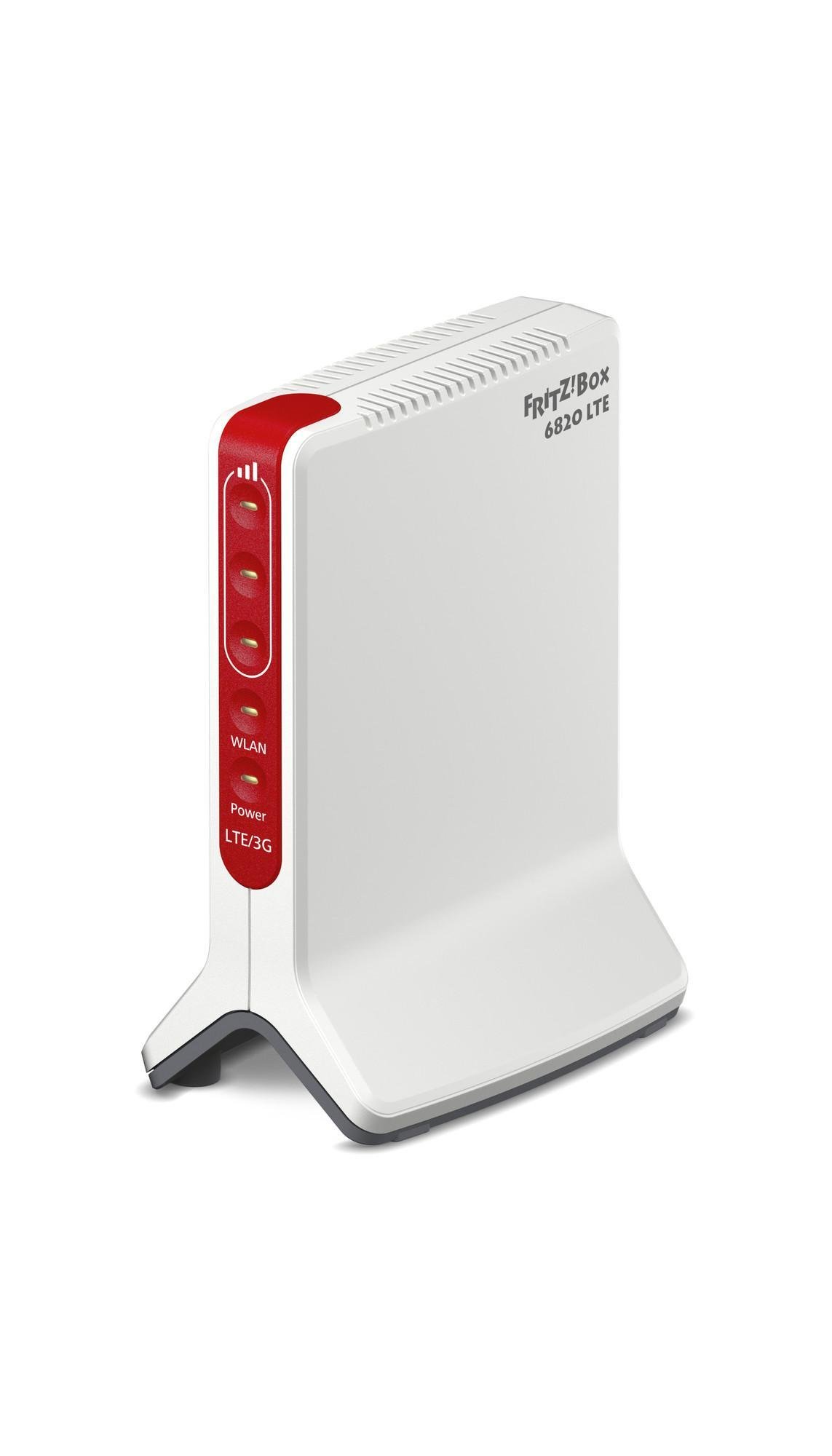
The router must match your connection. DSL routers have a built-in modem, cable routers do too, fiber optic requires either a router with a fiber modem or a router behind your provider's modem. If you switch providers, you'll have the most flexibility with a pure WLAN router behind your provider's modem.
Wi-Fi 6, 6E or 7
- Wi-Fi 6 (802.11ax): the widespread standard, fast and efficient with many devices. Completely sufficient for most households.
- Wi-Fi 6E: adds the 6 GHz band, which is free from neighboring networks in densely populated buildings. Only makes sense with end devices that support 6 GHz, and has shorter range.
- Wi-Fi 7: higher speeds, multiple bands simultaneously (Multi-Link). Future-proof, but only noticeably faster with the latest smartphones and notebooks.
The standard only works if both sides support it. A Wi-Fi 7 router won't make a Wi-Fi 5 notebook faster.
Range: Placement beats antennas
The router belongs in a central, elevated and open location, not in a cabinet next to the TV. Concrete ceilings and underfloor heating dampen the signal significantly. Before you buy a repeater, try a different location. Only if that doesn't work:
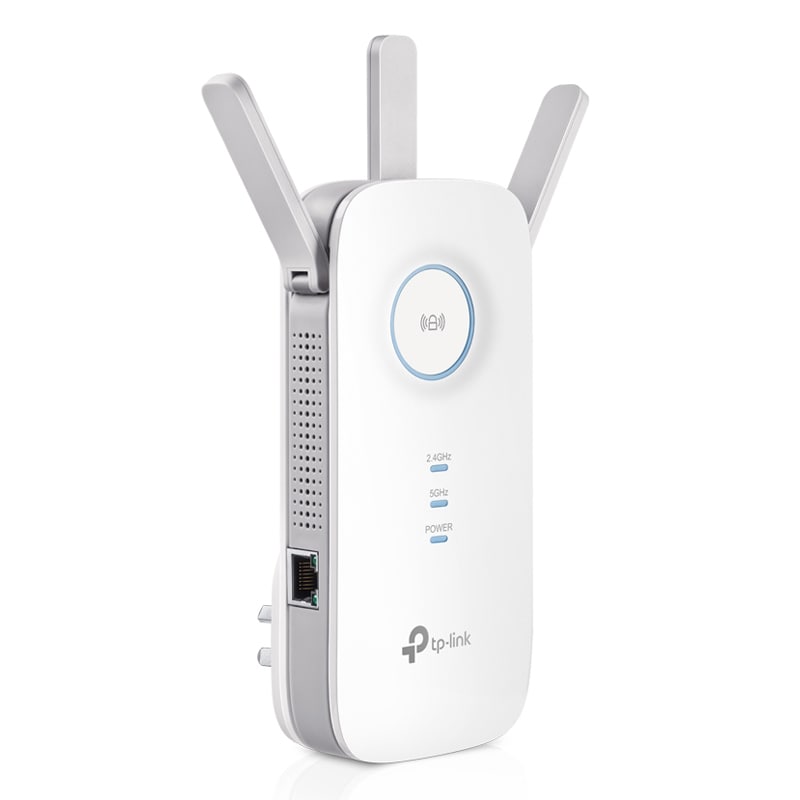
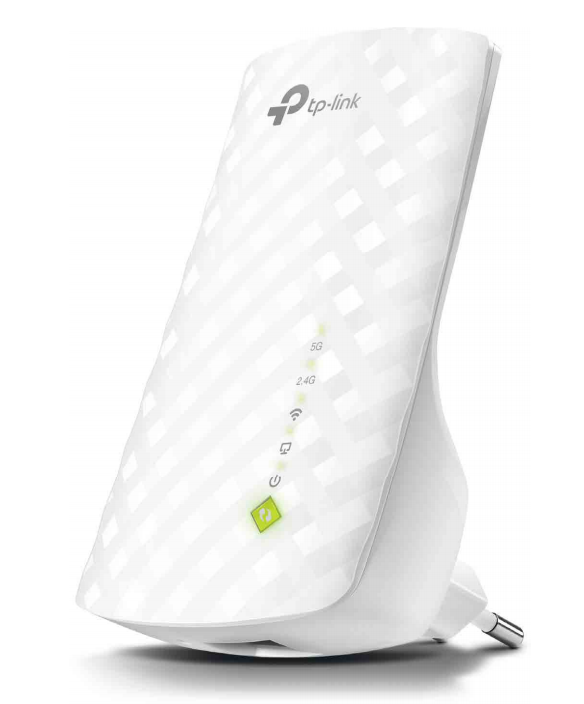
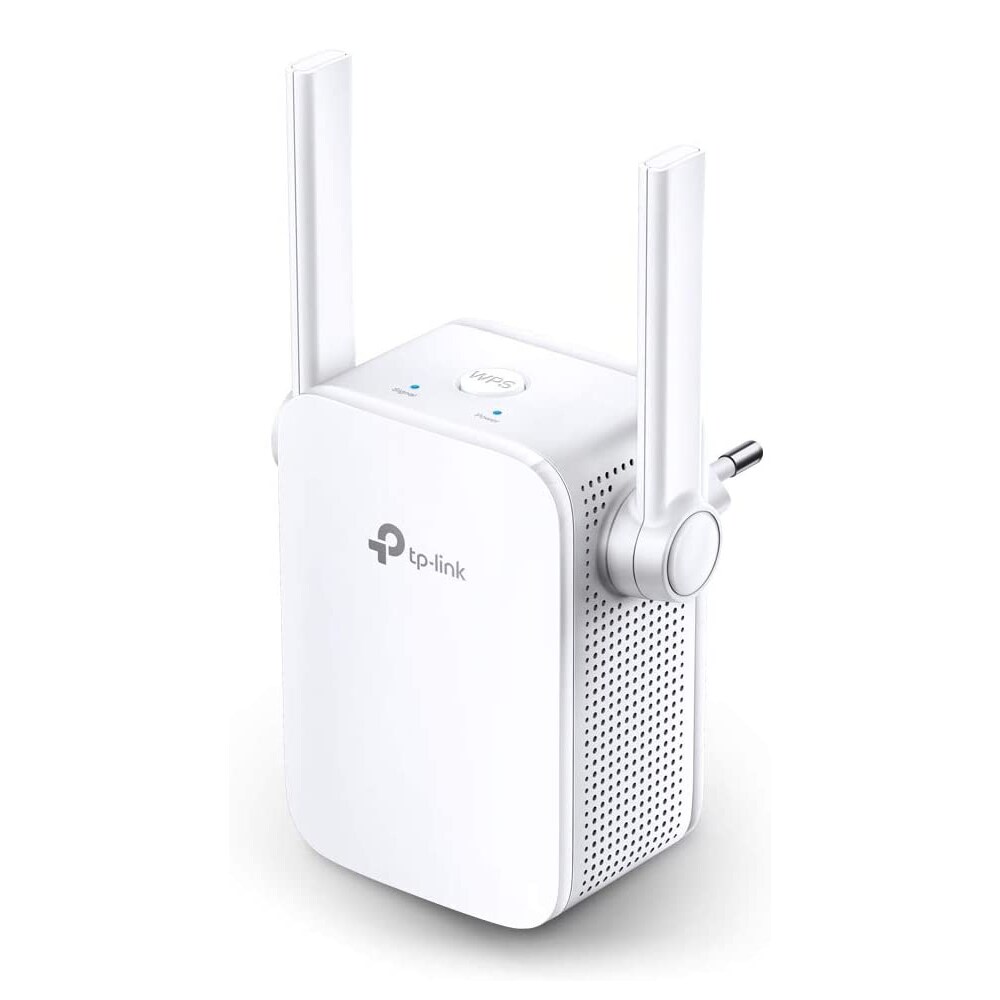
- Repeaters extend the network but halve the speed if they're connected wirelessly.
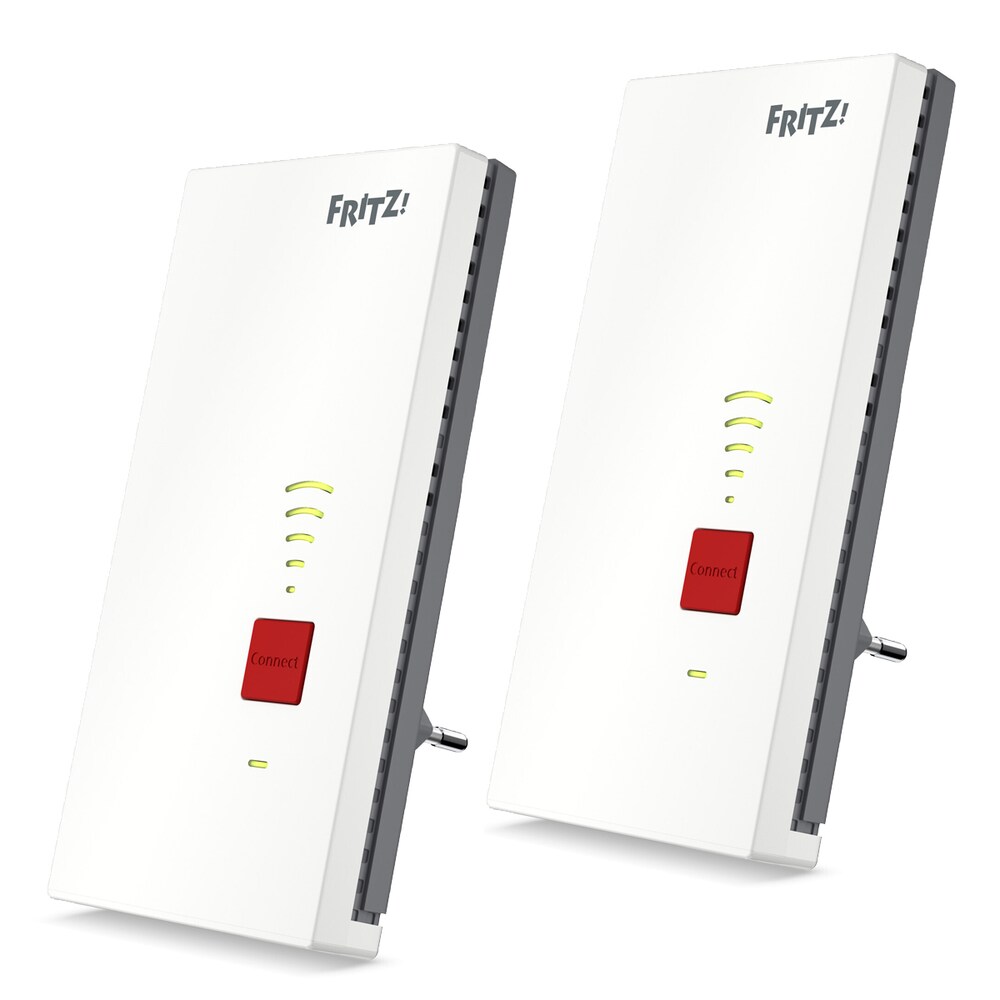
- Mesh systems with two or three stations create a network with one name where devices switch seamlessly. The right solution for apartments around 90 square meters and larger and houses with multiple floors. Ideal if the stations are connected by network cable.
- Powerline uses the electrical wiring and is the fallback solution when wireless and cable aren't possible.
Connections and features
- Gigabit LAN ports: at least four, for TV, gaming console and computer. 2.5 Gbit ports make sense with fiber optic from 1 Gbit/s.
- USB connection for network storage or printer.
- Guest network, parental controls and schedules are standard in every current model.
- Telephony: DECT base station and answering machine are reasons to stick with your provider's ecosystem.
- Updates: Regular security updates over several years matter more than any feature.
What to watch for in offers
- Check the model number: similar names can refer to Wi-Fi 5 and Wi-Fi 6.
- With mesh sets, pay attention to the number of stations and their LAN ports.
- Switching routers won't help if the real problem is a poor location.